Fast Pace Learners FAQsUpdated 2 months ago
Token already redeemed error
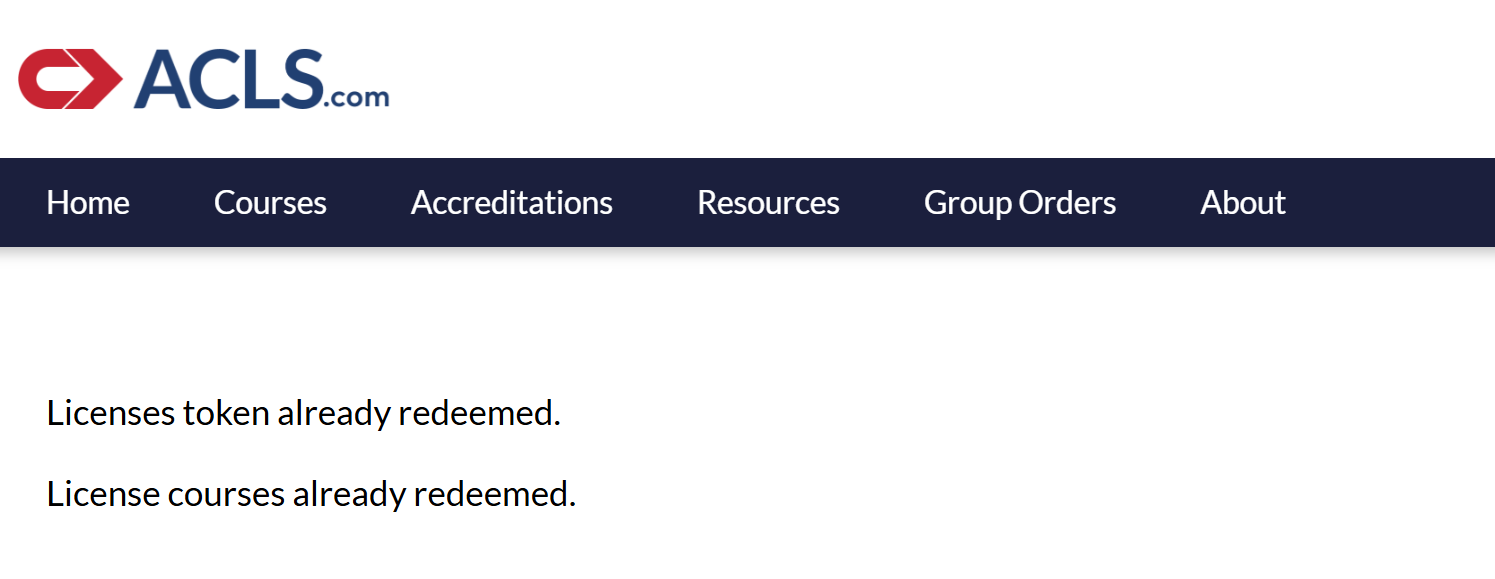
If, after you redeem a voucher, and you receive a message in your account that says "Licenses token already redemed. License courses already redeemed." you have already claimed that voucher and your course should be ready to access.
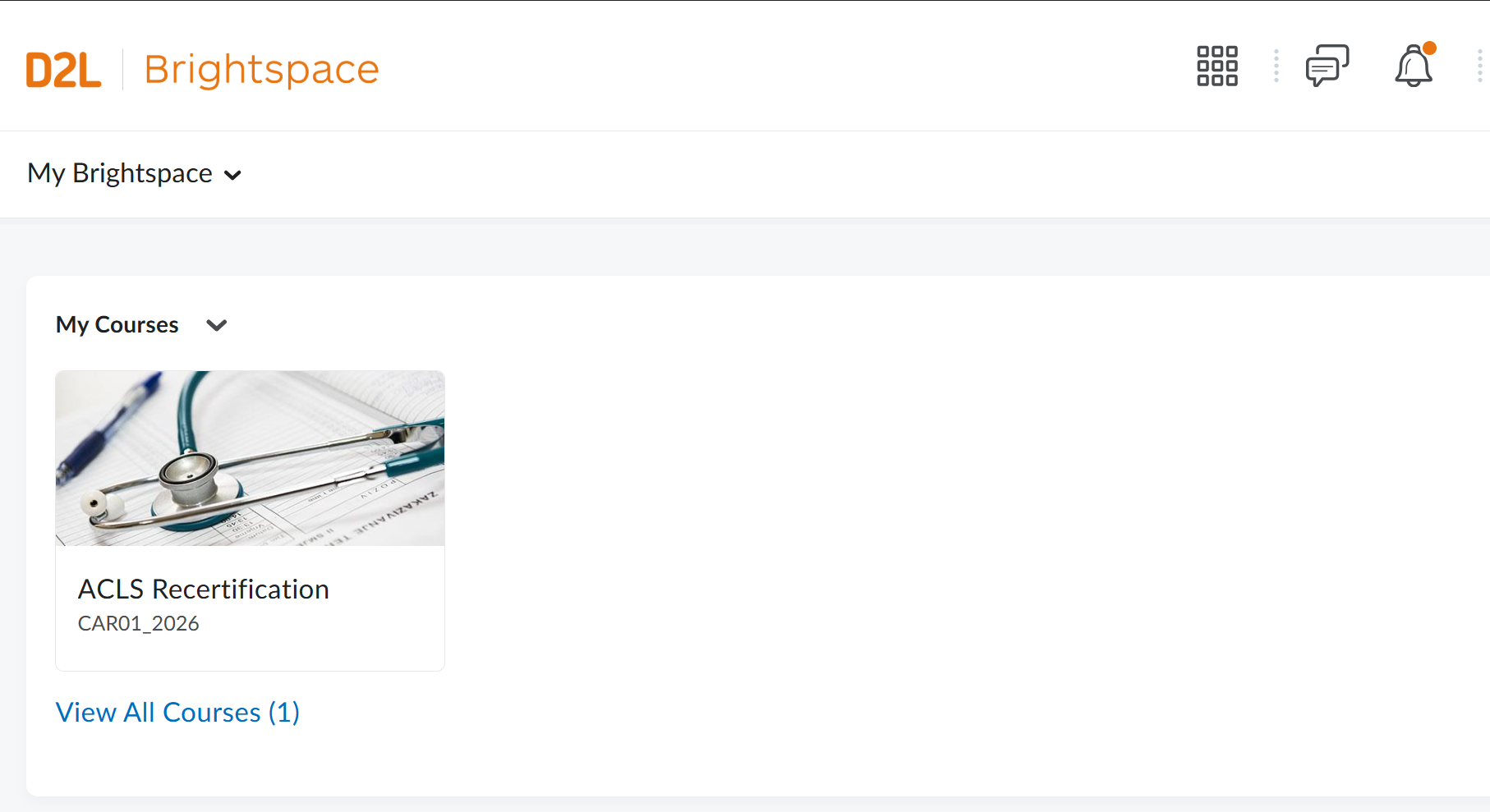
 To access your course, login to your account (at courses.acls.com), and you should see the course under "My Courses" in your dashboard. Click on the course name (i.e. "ACLS Recertification") to begin your course.
Missing course after registration/login
To access your course, login to your account (at courses.acls.com), and you should see the course under "My Courses" in your dashboard. Click on the course name (i.e. "ACLS Recertification") to begin your course.
Once you click on your course name, you will be brought to a page when you are able to begin. Click on "Course Information & Support...".
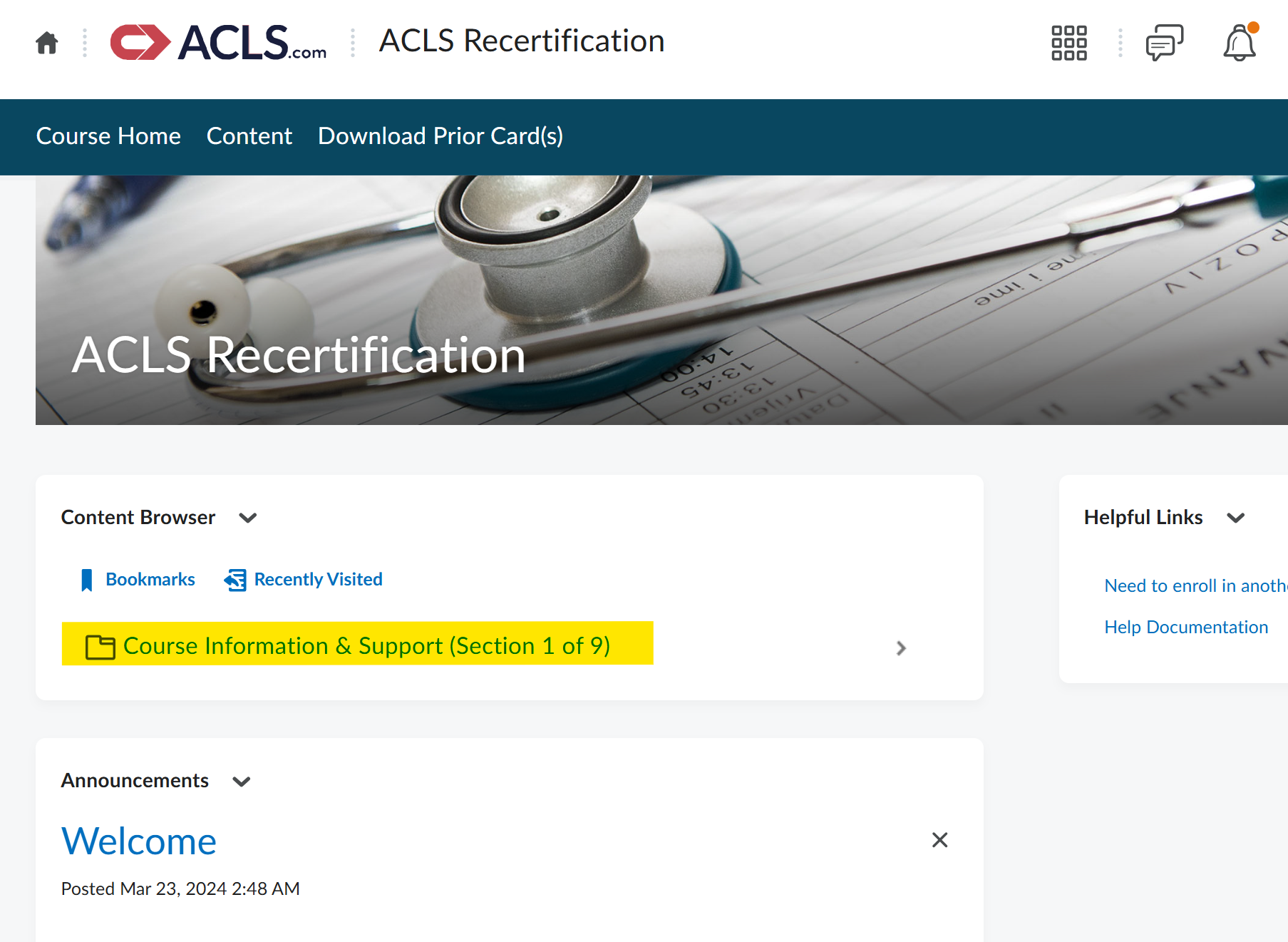
Once you do, it'll expand. Click on "Course Outline."
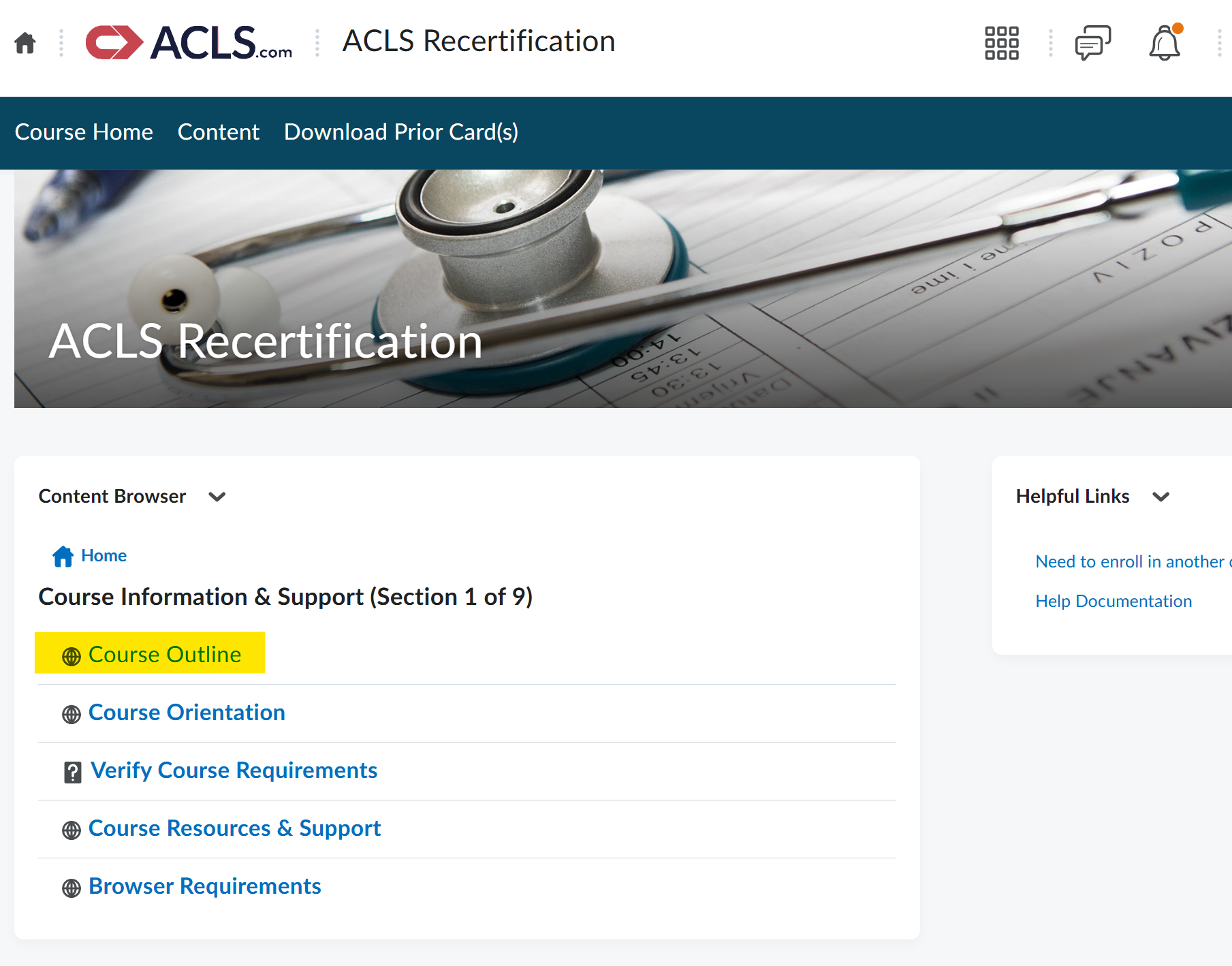
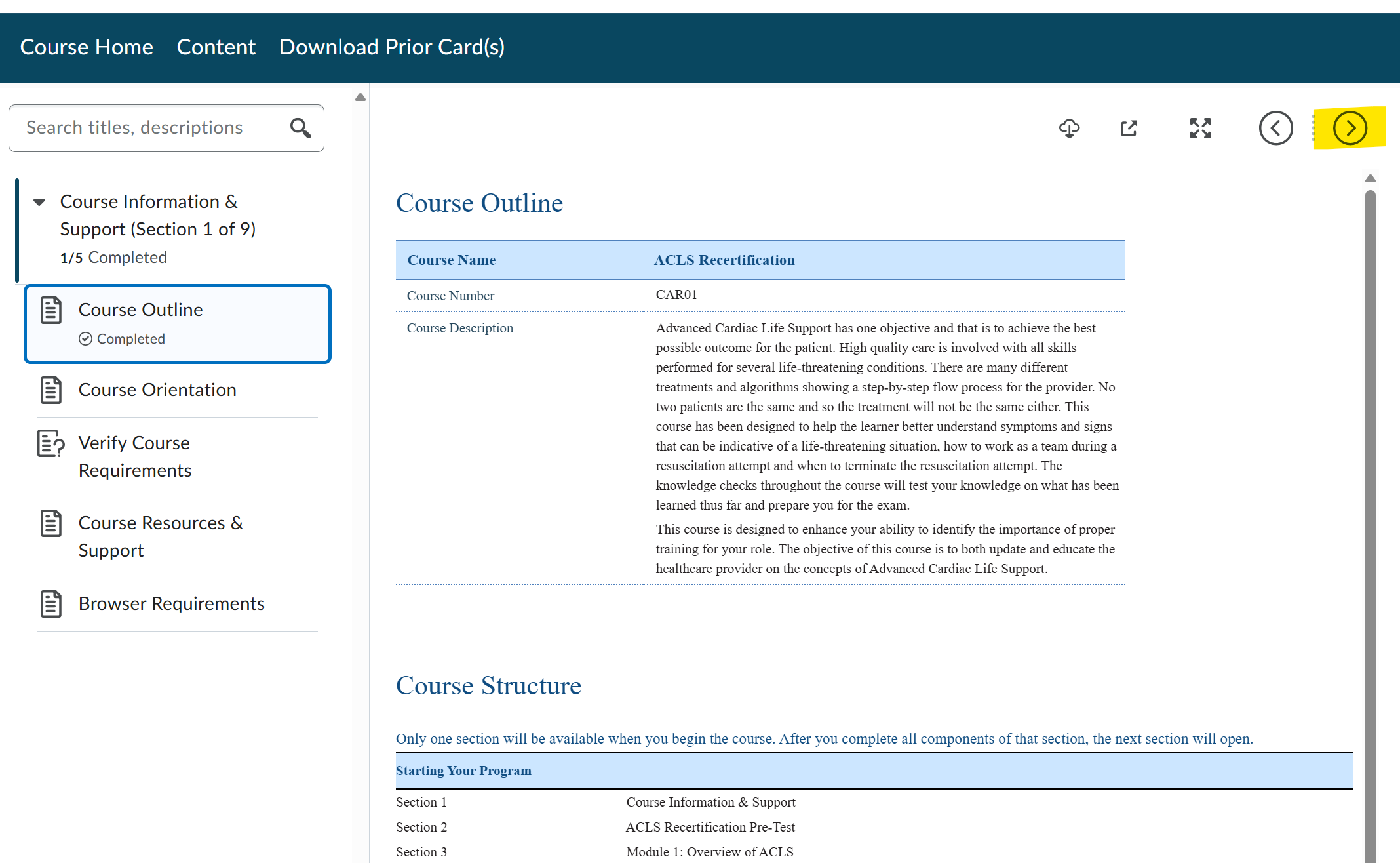
Once you do, you'll be taken to the course modules, where you can officially begin working through your course. Use the arrow in the top right corner to progress through your course.
Prompt to pay for the course
Fast Pace has already paid for your course, so you do not have to pay for your course.
To get around this, go directly to courses.acls.com.
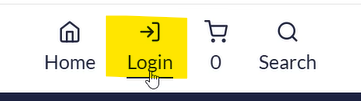
If you are not yet logged in, you will not see Login in the upper right corner.
If you are already logged in (or once you get logged in), click on My Account.
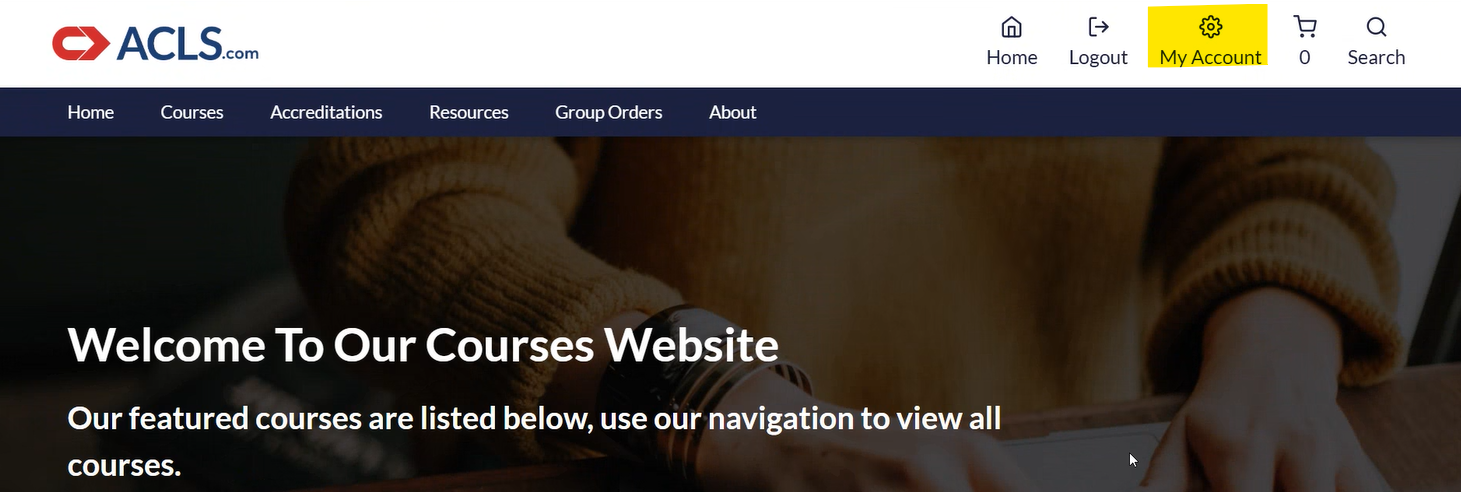
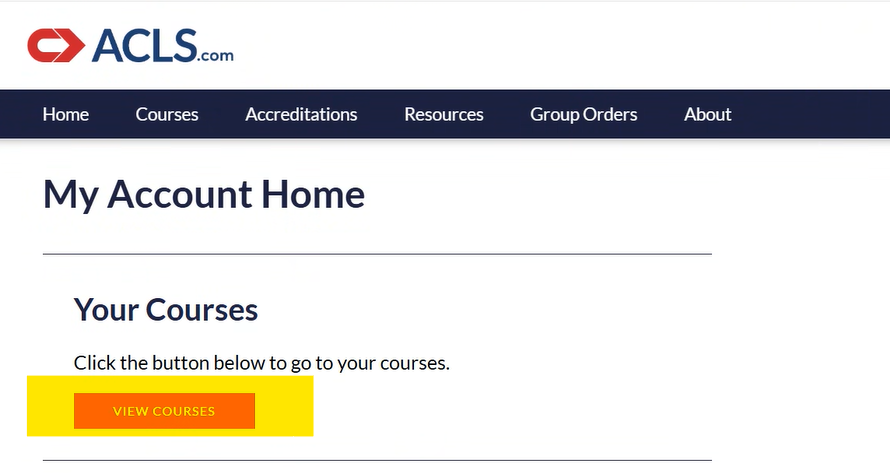
When you click on My Account, Then click on "View Courses" under "Your Courses."